
From a wish to remember my cherished friend.
After saying goodbye to my cherished friend,
I wanted to keep those warm memories
close to the screen I see every day. That wish became Monifren.

MONIFREN · FRENS ON YOUR SCREEN
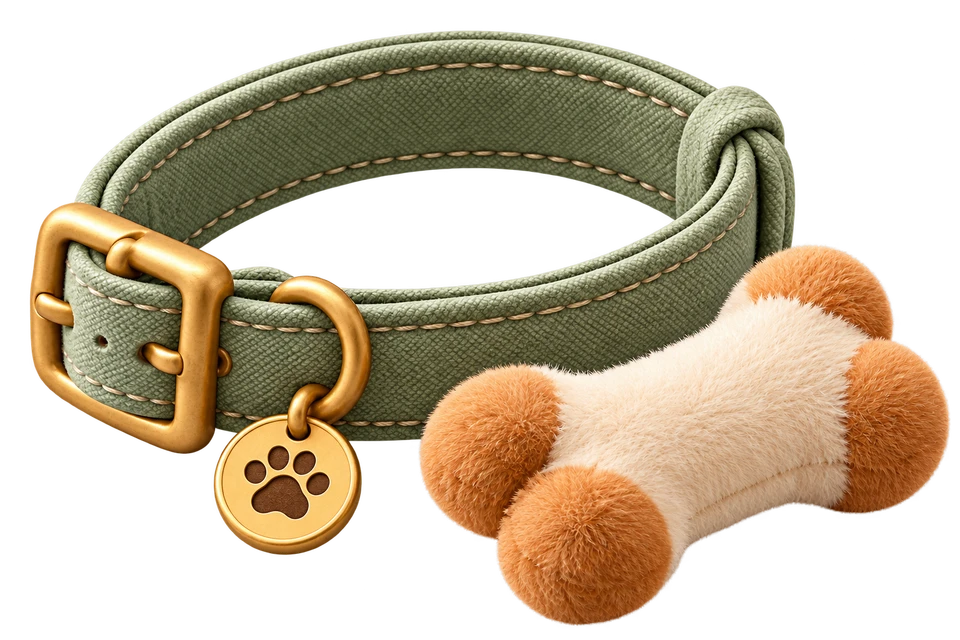
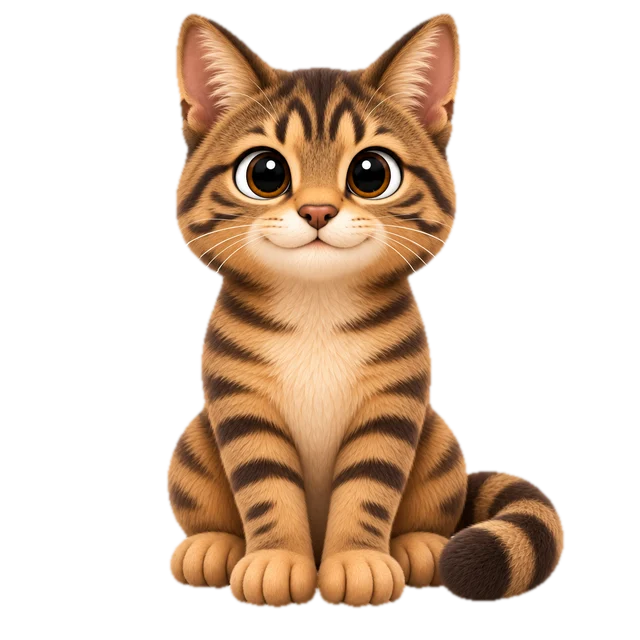
Animal Frens stay close to your screen, meet your eyes, and offer little helpers for focus and rest.
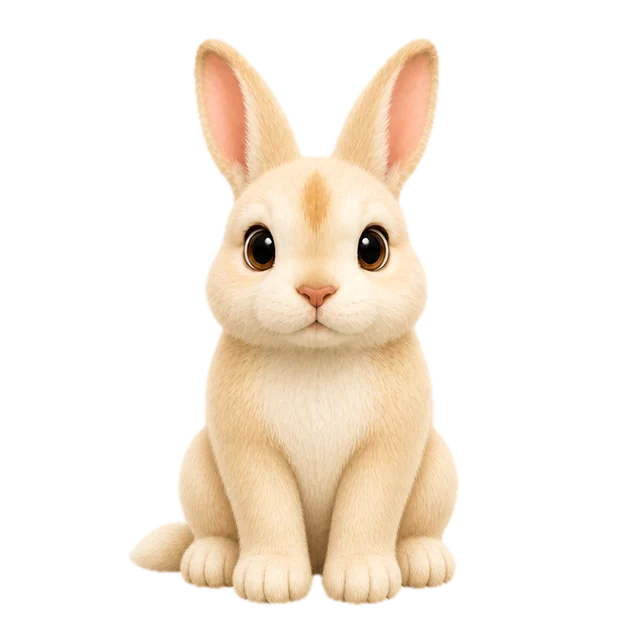
A familiar face, made into a Fren to keep you company.

Illustrative process image · not a real customer order
Tachi · Cats & Dogs


After saying goodbye to my cherished friend,
I wanted to keep those warm memories
close to the screen I see every day. That wish became Monifren.
Prepare 1–5 photos. Choose different views that clearly show your pet’s face and distinctive features.
Open My Fren in the Monifren app, then select the + button at the top right. The website does not accept orders or payments.
Review your request and the price in the app before paying. Selecting photos or moving to the next step does not start a purchase.
Connect the app to the Monifren account you used to order, then open My Fren.


Place your order in the Monifren app.
Apple and the Apple logo are trademarks of Apple Inc., registered in the U.S. and other countries. Mac App Store is a service mark of Apple Inc.